
What is SaaS? Explain In Easy language.
This content is for educational purposes only. It does not provide professional, technical, or financial advice.
If you are new to the world of technology, you may have heard the term SaaS and wondered what it actually means. Many modern digital tools work differently from traditional software, and SaaS is one of the most important ideas behind this change. In this beginner-friendly guide, we will explore what SaaS is, how it works, and why it has become so common in everyday digital life.
This article is written purely from a learning point of view. The goal is to help students, beginners, and curious learners understand SaaS concepts clearly and confidently, without technical jargon or business-focused advice.
📌 Check how SaaS Works in small businessesMeaning of SaaS
SaaS stands for Software as a Service. To understand this term.
Software refers to programs or applications that help us perform tasks on computers or mobile devices. Service means something that is provided to us so we use when needed.
So, Software as a Service means that is delivered to users as a service over the internet instead of being installed and owned in the traditional way.
SaaS is a way of using software through the internet, without installing or managing it on your own device.
How Software Work Before SaaS service
Before SaaS became popular, most of the software following a traditional model. To use a program, you usually had to:
- Buy a physical copy or download file
- Installed on your computer
- Manually update when new versions were released
- Make sure your device met system requirements
For example, if you changed your computer, you often needed to reinstall the software again. This approach worked, but it had limitations, especially as the internet became faster and more accessible.
How SaaS Works in Simple Words
With SaaS, the software does not live on your personal computer. Instead, it runs on remote computers (often called servers) that are connected to the internet.
Here is a simple way to imagine it:
- The software is stored and managed online
- You can use with browser
- automatically update in background
- You can use SaaS anywhere if you have internat
That means you dont need to worry about installation files, storage space, or manual updates. Everything is performe automatically as part of the service.
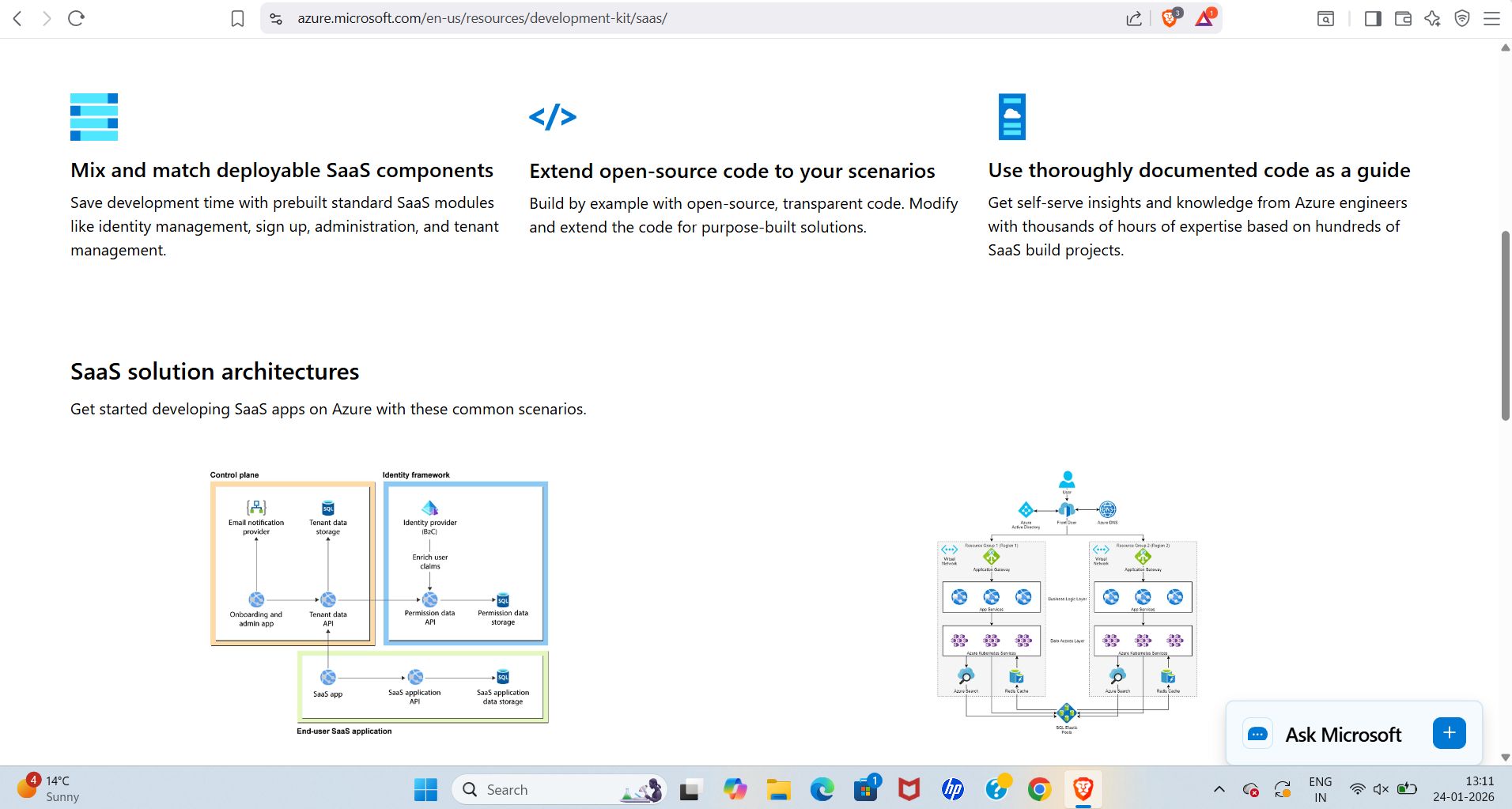
Examples of SaaS When Use in Daily Life
Even if you have never heard the term SaaS before, you may already be using it. Many online tools that work directly in your web browser are based on the SaaS model.
For learning purposes, think of SaaS as:
- Online tools you log into instead of installing
- Applications that work on laptops, tablets, and phones
- Services that save your time automatically online
The key idea is that SaaS focuses on access rather than ownership.
Why SaaS Became Popular
SaaS did not appear overnight. It became popular because it solved many problems that traditional software had.
Ease of Use
SaaS tools are usually designed to be easy to use . You can using them within minutes, without complicated setup steps.
Accessibility
Because SaaS works through the internet, users can access the same software from different devices. A student might start learning on a laptop and continue later on a phone.
Automatic Updates
Updates automatically. Users always work with the latest version without needing to download anything.
SaaS became popular because it made software simpler, more accessible, and easier to maintain.
Idea of the Cloud
You may often hear SaaS mentioned together with the word cloud. In simple terms, the cloud means using internet-based computers instead of your own local device.
SaaS is one of the most common ways cloud technology is used. Instead of saving everything on your computer, your work is stored online and accessed through the cloud.
This does not mean your data is floating in the sky. It simply means it is stored on secure, remote systems that you access over the internet.
Main points of SaaS
To help learners understand SaaS clearly, here are some of its main characteristics:
- No installation required
- Access through web browsers
- Centralized updates and maintenance
- Use with multiple devices
- Internet connection always required
SaaS and other Software
| Aspect | Traditional Software | SaaS |
|---|---|---|
| Installation | Required on each device | No installation needed |
| Updates | Manual updates | Automatic updates |
| Access | Usually one device | Multiple devices |
| Storage | Local device | Online (cloud) |
This comparison is meant only to help learners understand the concept, not to suggest which approach is better.
Who And Why Uses SaaS?
SaaS is used by many different types of people:
- Students learning online
- Teachers sharing digital materials
- Remote workers collaborating
- Individuals organizing personal tasks
The reason SaaS fits so many users is because it focuses on simplicity and access.
Benifet and Effects of SaaS (For Students)
Benifet
- its using
- Setup automatically
- Accessible from anywhere
Effects
- Internet connection always Required
- Less control over software environment
These points are shared only for understanding the concept, not for decision-making.
concepts of SaaS
If you are learning about SaaS for the first time, focus on these ideas:
- SaaS software is coming from the internet
- You access it instead of installing it
- The provider handles updates and maintenance
- You can use it on different devices
Understanding these basics will help you recognize SaaS wherever you encounter it.
For Increasing Some Trust
For general technology and SaaS definitions, learners often refer to educational resources such as Investopedia for clear explanations.
FAQs
What does SaaS stand for?
SaaS stands for Software as a Service. It means software delivered through the internet instead of installed locally.
SaaS is only for businesses?
No. SaaS is used by students, teachers, individuals, and many other users for learning and daily activities.
I need some skills to use SaaS?
Generally, no. Most SaaS applications are designed to be beginner-friendly and easy to use.
SaaS is work without the internet?
Most SaaS tools require an internet connection because they run online.
Why is SaaS important to learn
SaaS is a major part of modern digital life. Understanding it helps learners better understand how online tools work.
My Final Words
Now you can undertant what is SaaS, you can see how it fits into everyday digital experiences. Software as a Service has changed how people learn, work, and interact with technology by making software more accessible and easier to use.
Learning SaaS concepts is not hard and not its very easy. It is about understanding the basics so you can learnabout saas .
If this educational guide helped you, feel free to leave a comment with your questions, share it with fellow learners, or continue exploring related lessons to deepen your understanding.